Investment education platform
Sales sees what each student did and knows who to call
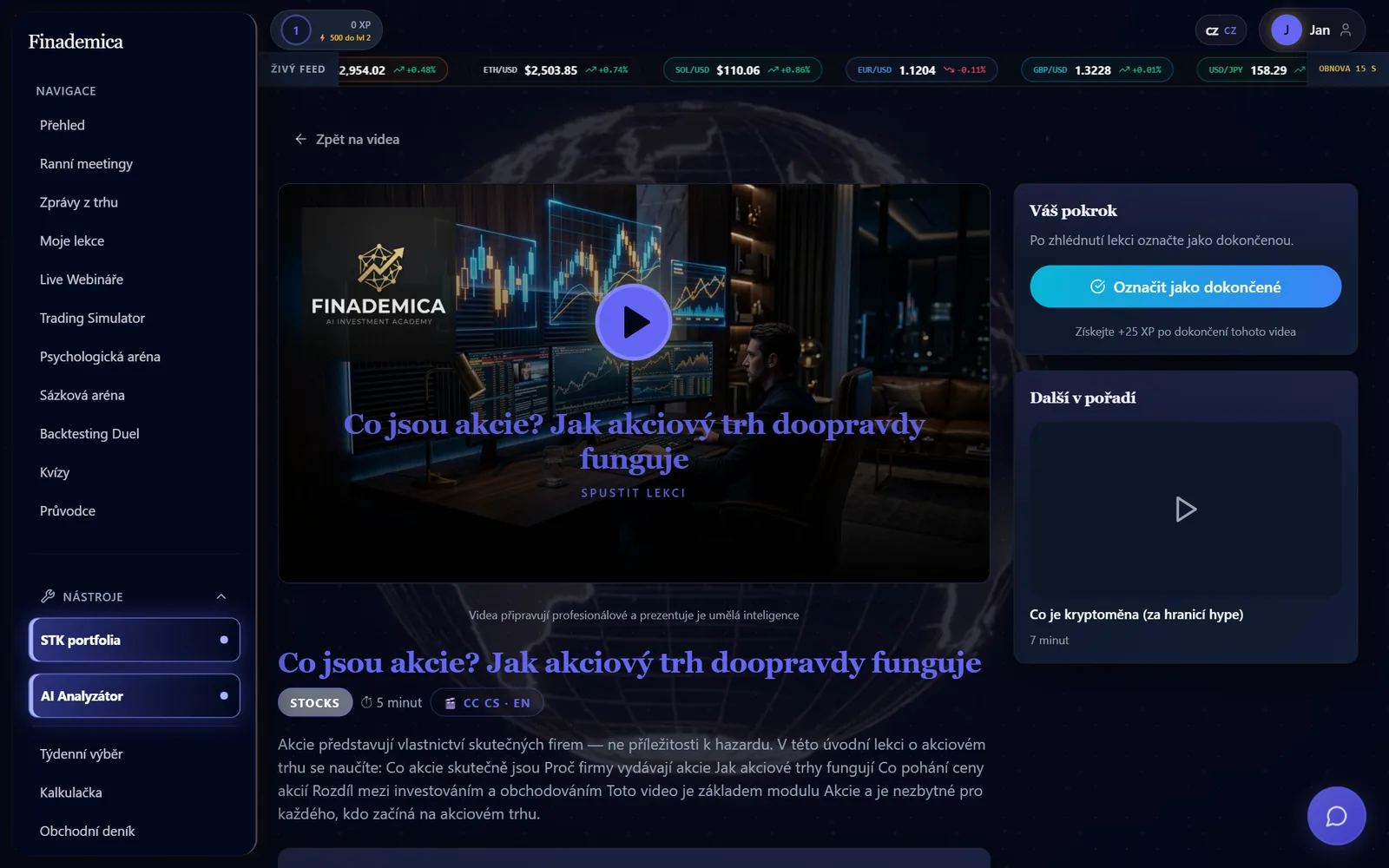
The Finademica online academy. Students get lessons and tools, and the sales team sees their activity in the same place, with nothing copied between systems.
In numbers
- video sections with separate access
- 17
- Source: Platform configuration
- modules that can be enabled per student
- 21
- Source: Platform configuration
Challenge
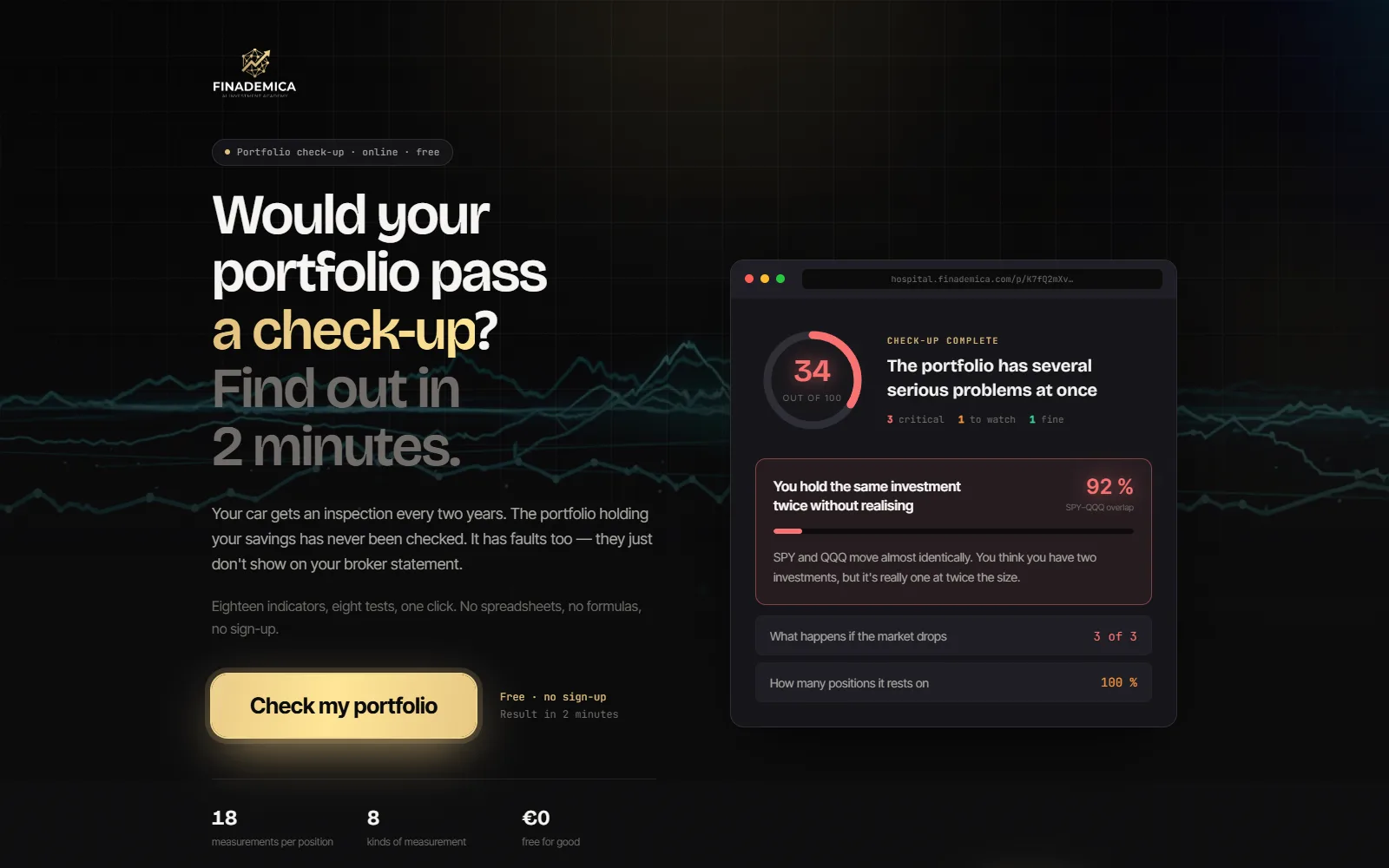
Finademica teaches people how to invest and trade. Students need lessons, practice and tools. The sales team needs to know what each student does in the academy so they can follow up with a call.
When videos sit on one platform, tools on another and contacts in a CRM, nobody sees the full picture. Sales can't tell what a person actually did in the academy, and the content can't be sold in parts.
Solution
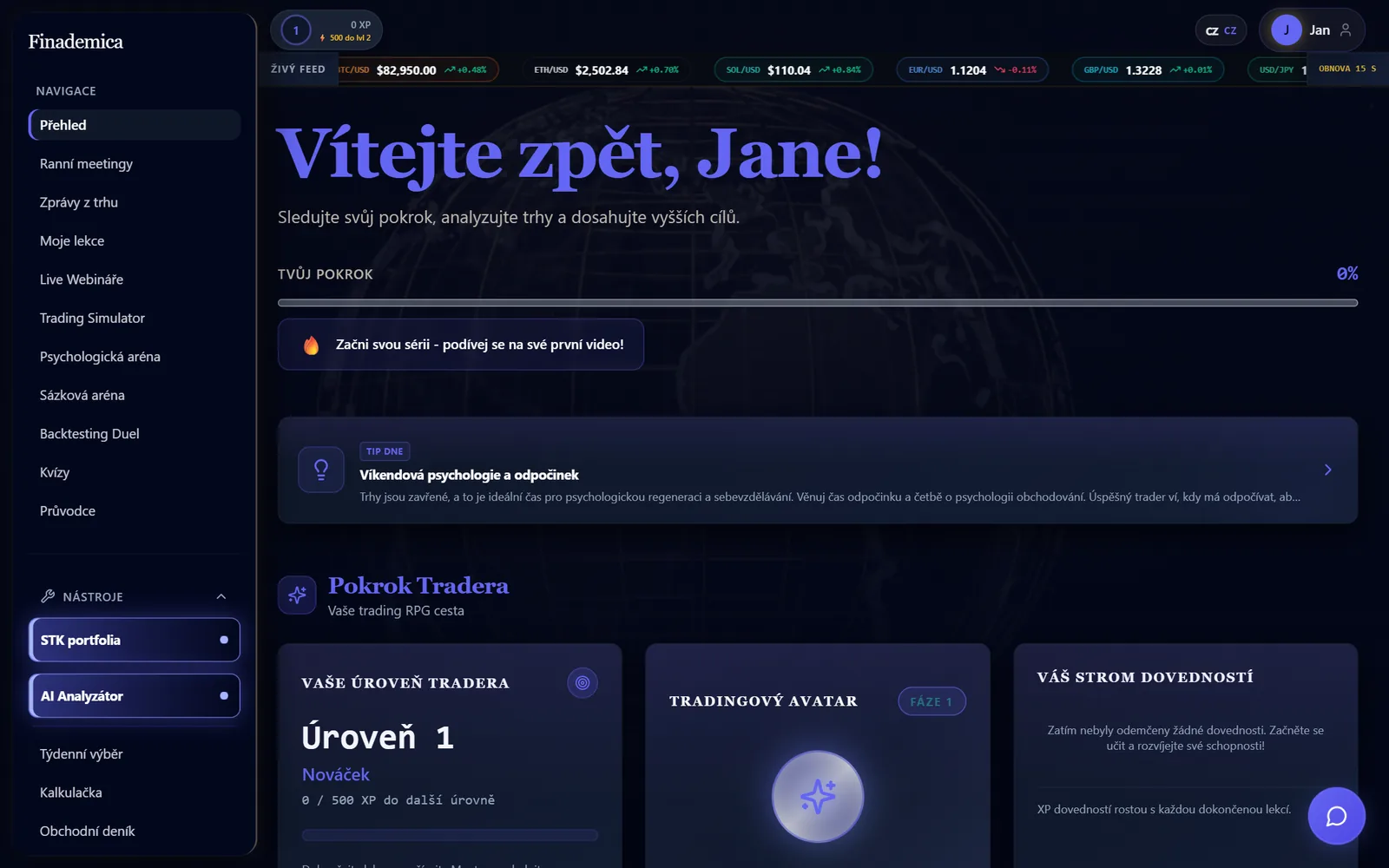
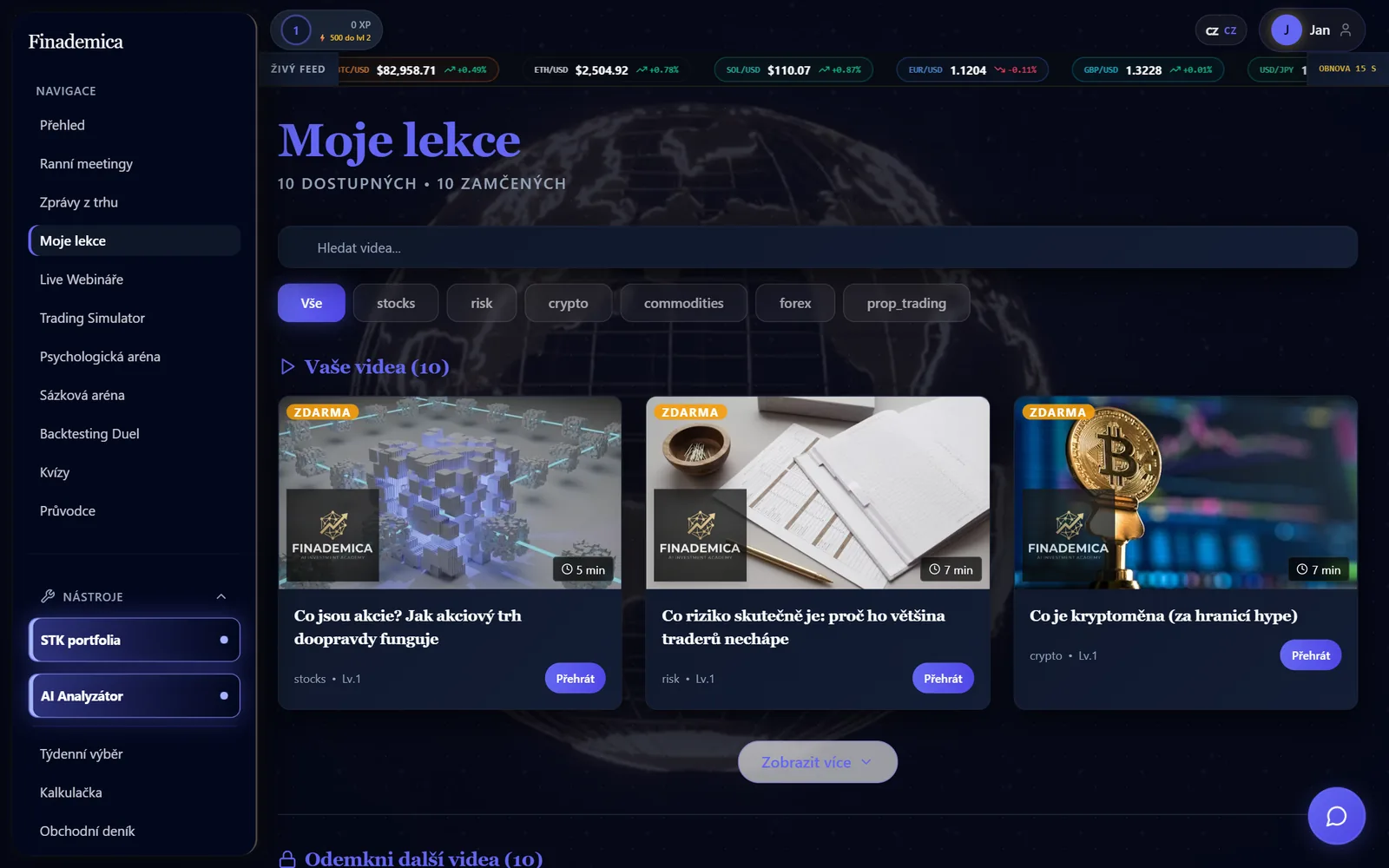
We built one app that serves both sides. Students get a progress overview, a video library with subtitles, quizzes, a practice portfolio, calculators and a daily market briefing. Lessons earn points, and students move up through levels.
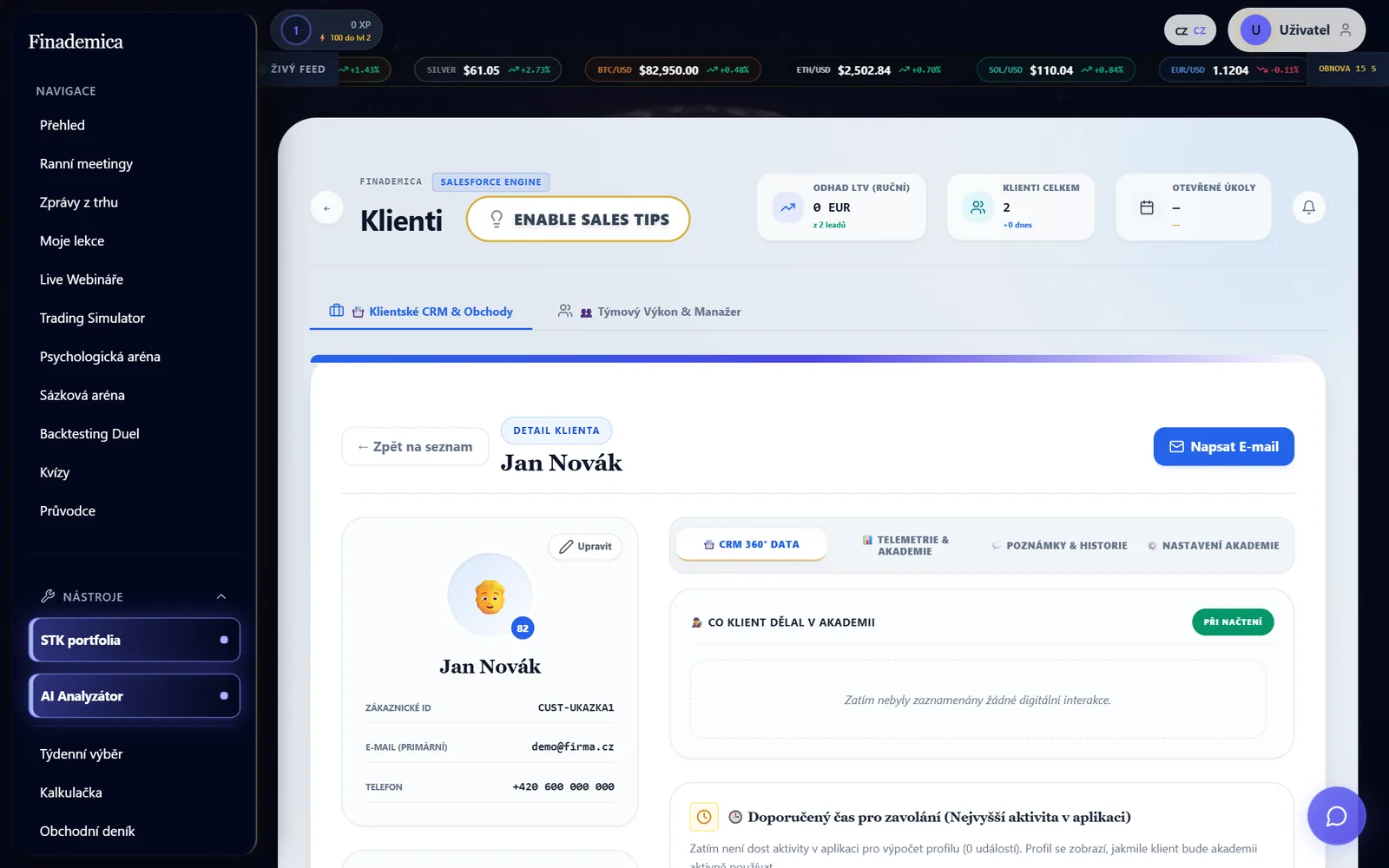
The sales team gets a CRM card for every student. It shows what they watched, when they last logged in and a lead score based on real activity. From the same card, staff turn modules and video sections on or off. Activity flows into the team's external CRM and creates follow-up tasks there.
A locked video plays only for students who have access to that section. Sharing the link doesn't get around it.
How it works
- 1
Sign up and overview
A student registers and sees their progress, level and a daily tip on the dashboard.
- 2
Lessons by section
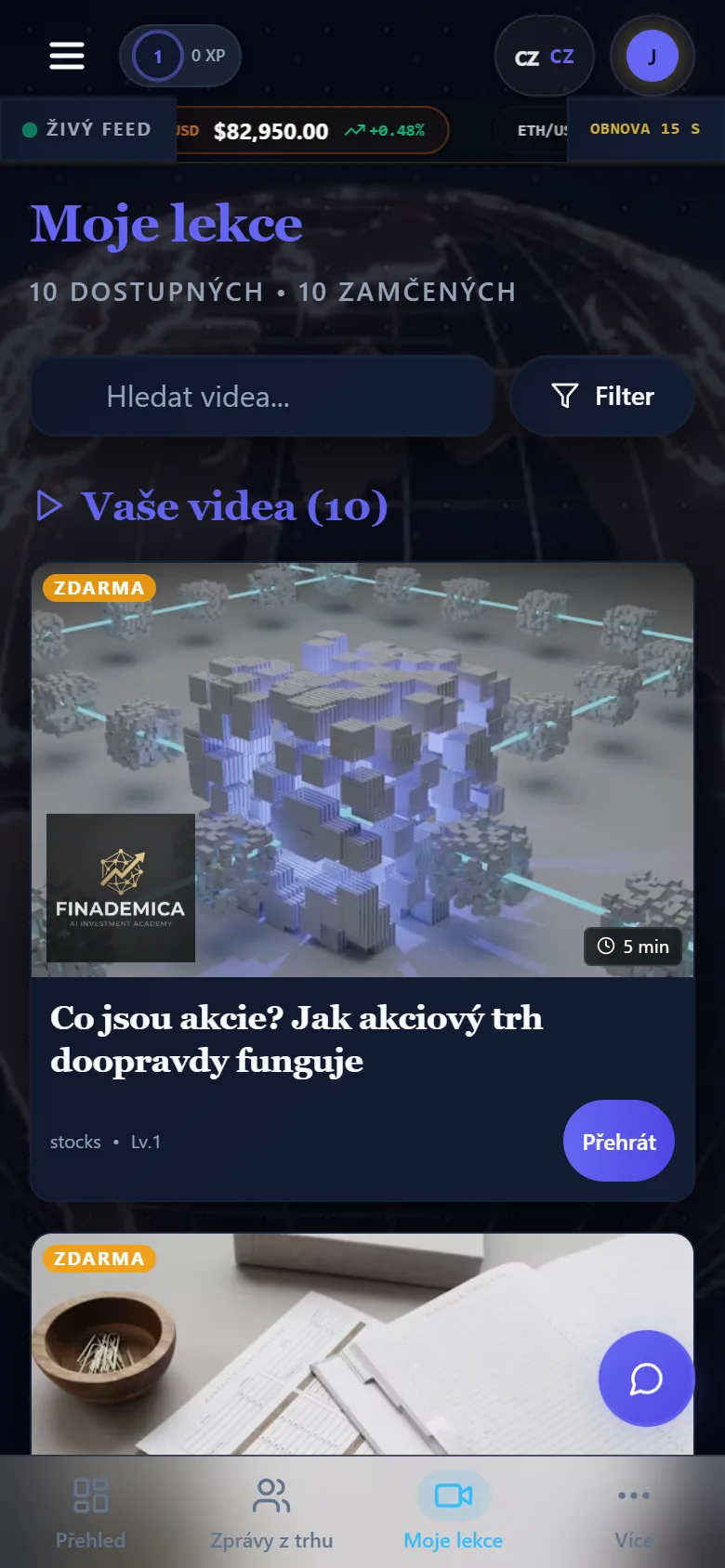
Videos are grouped by topic and difficulty. Some are free. The sales team or a payment opens the rest.
- 3
Practice
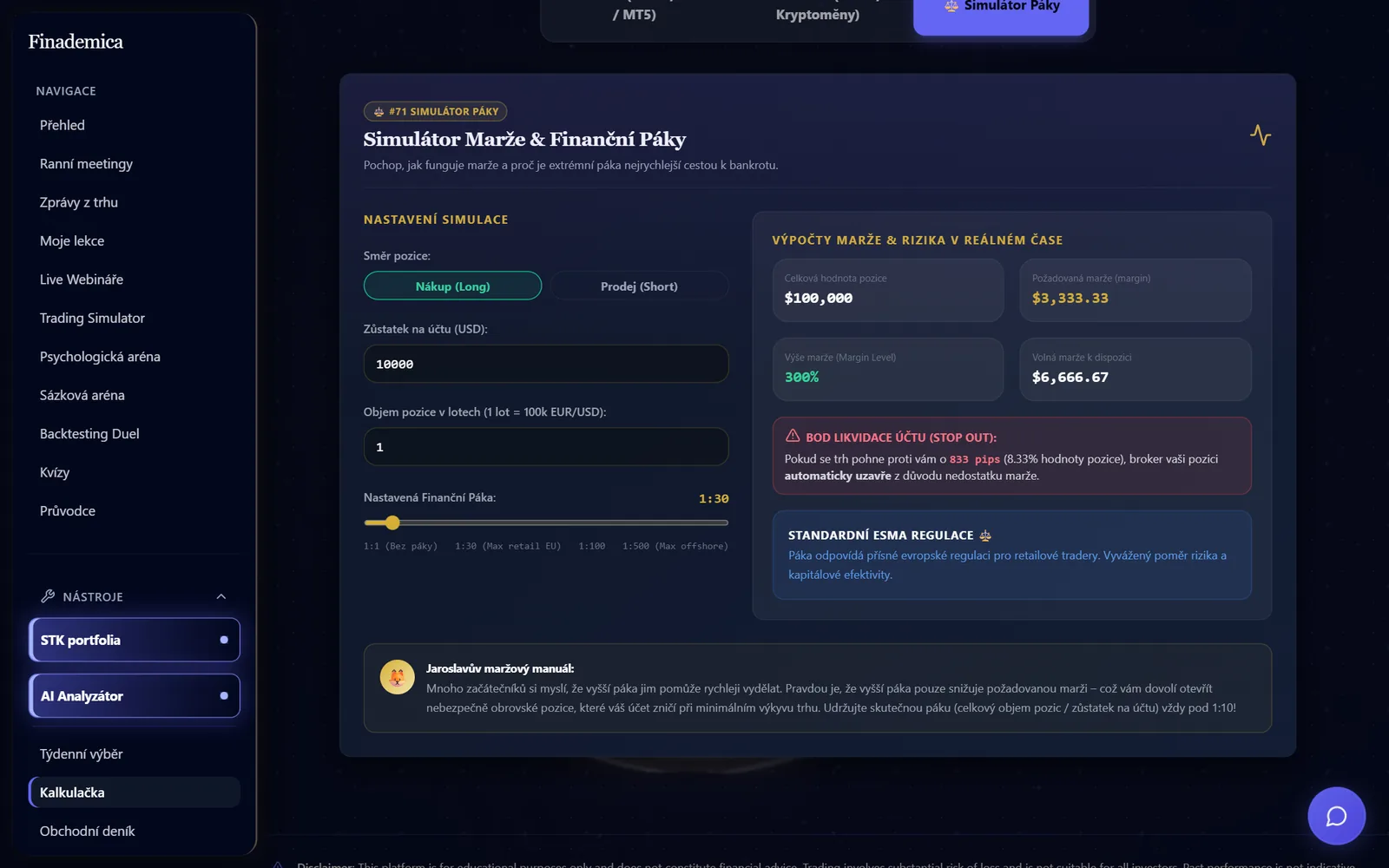
Quizzes, a practice portfolio with live prices, and position-size and margin calculators turn theory into numbers.
- 4
Sales follows up
The CRM shows what each student did. The activity score tells the team who to call first.
What it does
- Video library grouped by topic and level, with Czech and English subtitles
- Locked video sections can't be opened with a shared link
- Student dashboard with points, levels and a skill tree
- Position-size calculator and margin simulator
- Practice portfolio with live market prices
- Quizzes, a trading journal and a daily market briefing
- CRM with student cards, activity history and an interest score
- Modules that can be switched on per student
- Installs to the phone's home screen as an app
From the project
Outcome
The platform is live at app.finademica.com, and we keep extending it. Students have lessons and tools in one place. The sales team sees student activity without exports or matching contacts by hand.
The videos are split into sections with separate access, so Finademica can sell them in parts.
Contact