Knowledge Hub
Company documents and decisions, found with one question
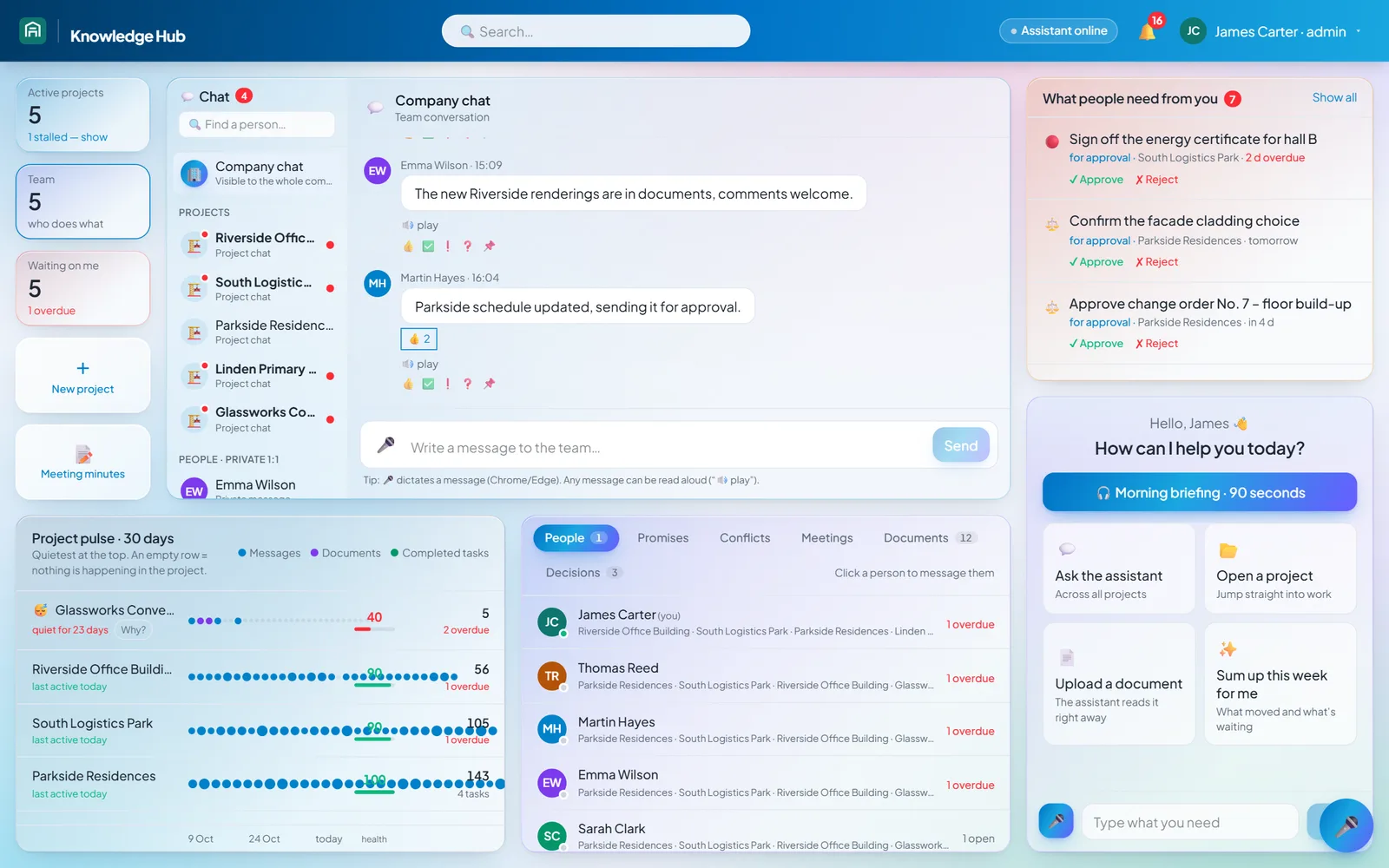
Contracts, procedures, minutes and team decisions in one closed place. Anyone looking for something asks in a sentence or by voice and gets an answer that names the document and page.
Challenge
A company's knowledge sits in email, shared folders, chats and people's heads: contracts, procedures, minutes, budgets, technical documents. The information exists, but when it's needed nobody finds it in time, and when someone leaves, it leaves with them.
A generic AI chat doesn't solve this. An answer without a source still has to be checked, and internal documents can't go into a public tool.
Solution
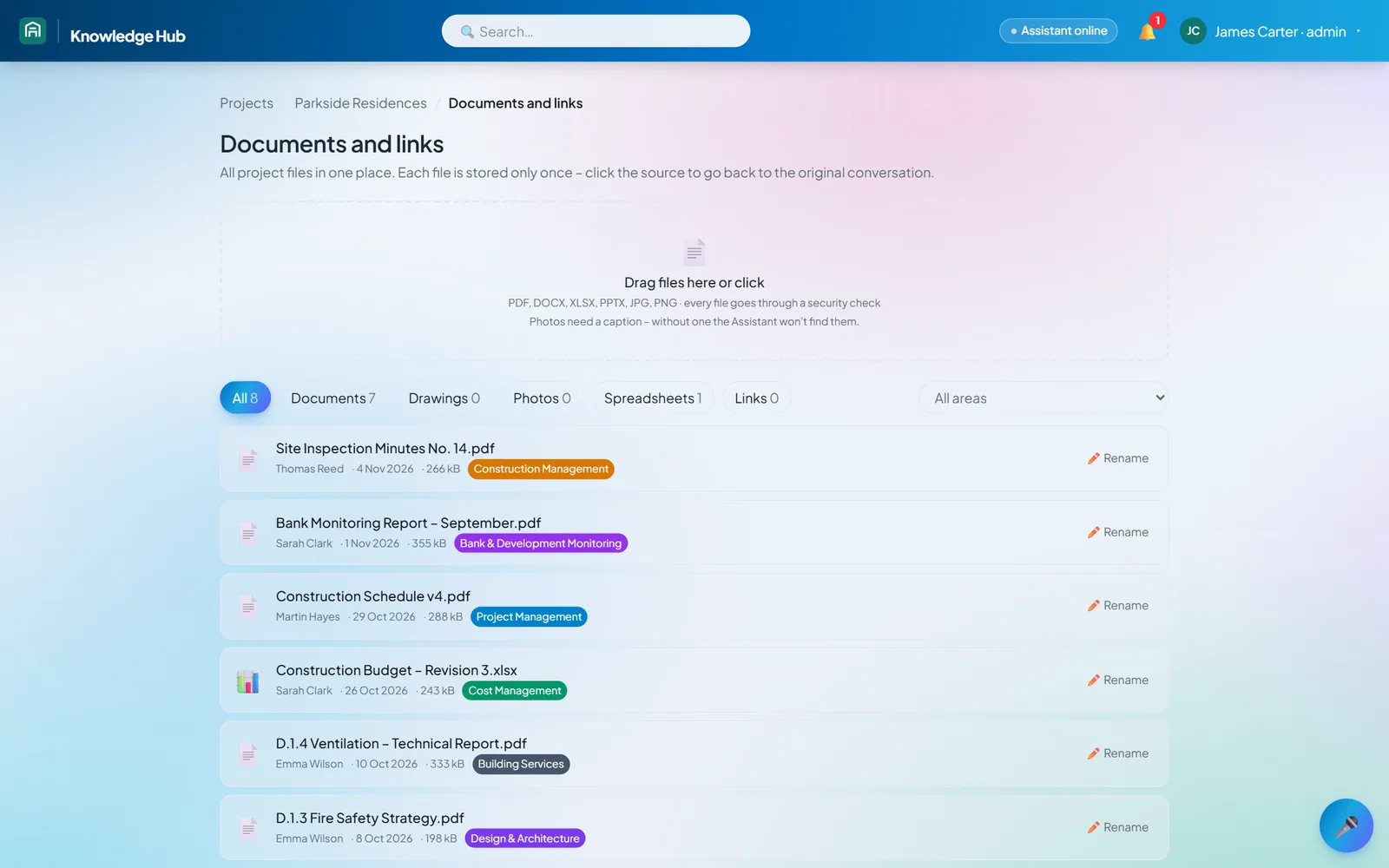
Each project or team gets its own space, split into areas: departments, specialisms, types of work. At the first client, a consultancy in real estate development and construction, those areas include design, cost management, building services, ESG and bank monitoring. Documents and conversations belong to an area, and access is granted per person, project and area.
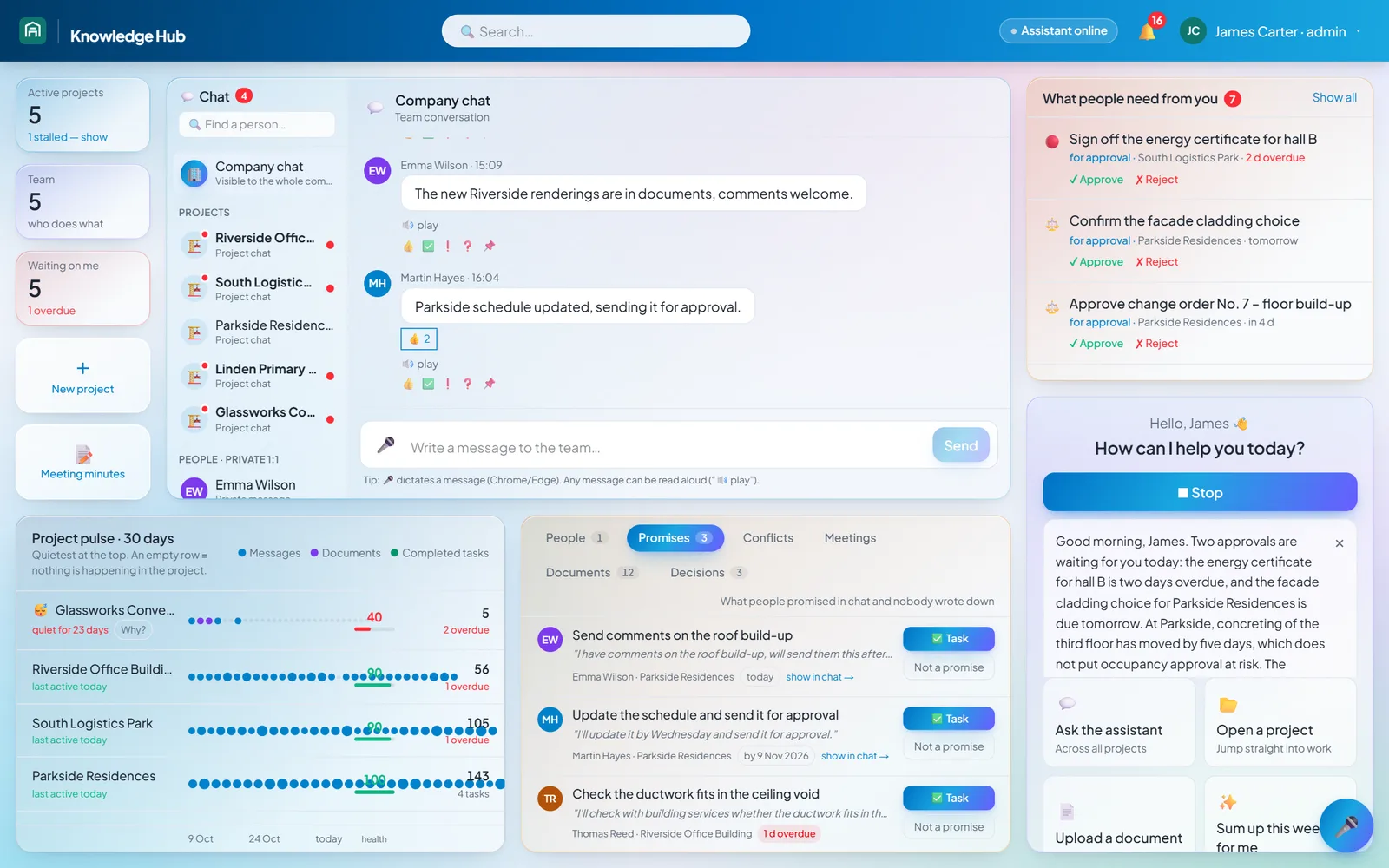
People ask about the documents in plain language, typed or spoken. The assistant answers and lists the document and page it used; one click opens the document at the cited passage. It searches project documents and team chat, and does not read private messages.
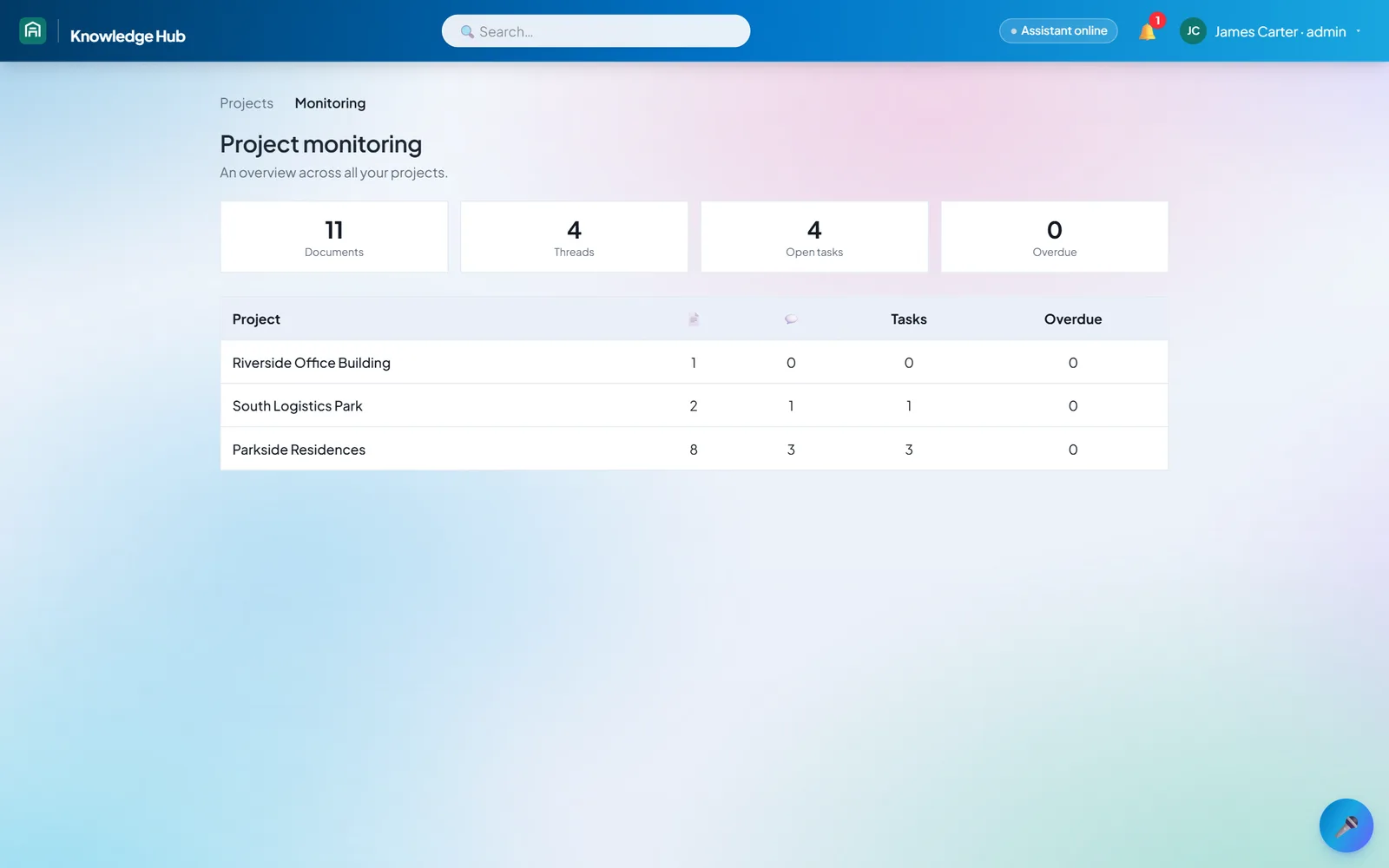
Around that sits the team's everyday work: threads, @mentions, tasks and approvals created from a message, meeting minutes, a project overview and reports for management.
How it works
- 1
Upload
Each file passes an antivirus check, is assigned to an area and indexed for search.
- 2
Ask
Someone asks by text or voice, about a project, an area, or across the whole company.
- 3
Answer with a source
The assistant answers and shows the document and page. The answer can be read aloud.
- 4
Task and report
A message becomes a task or an approval with a due date; management sees the overview and a report.
On the phone
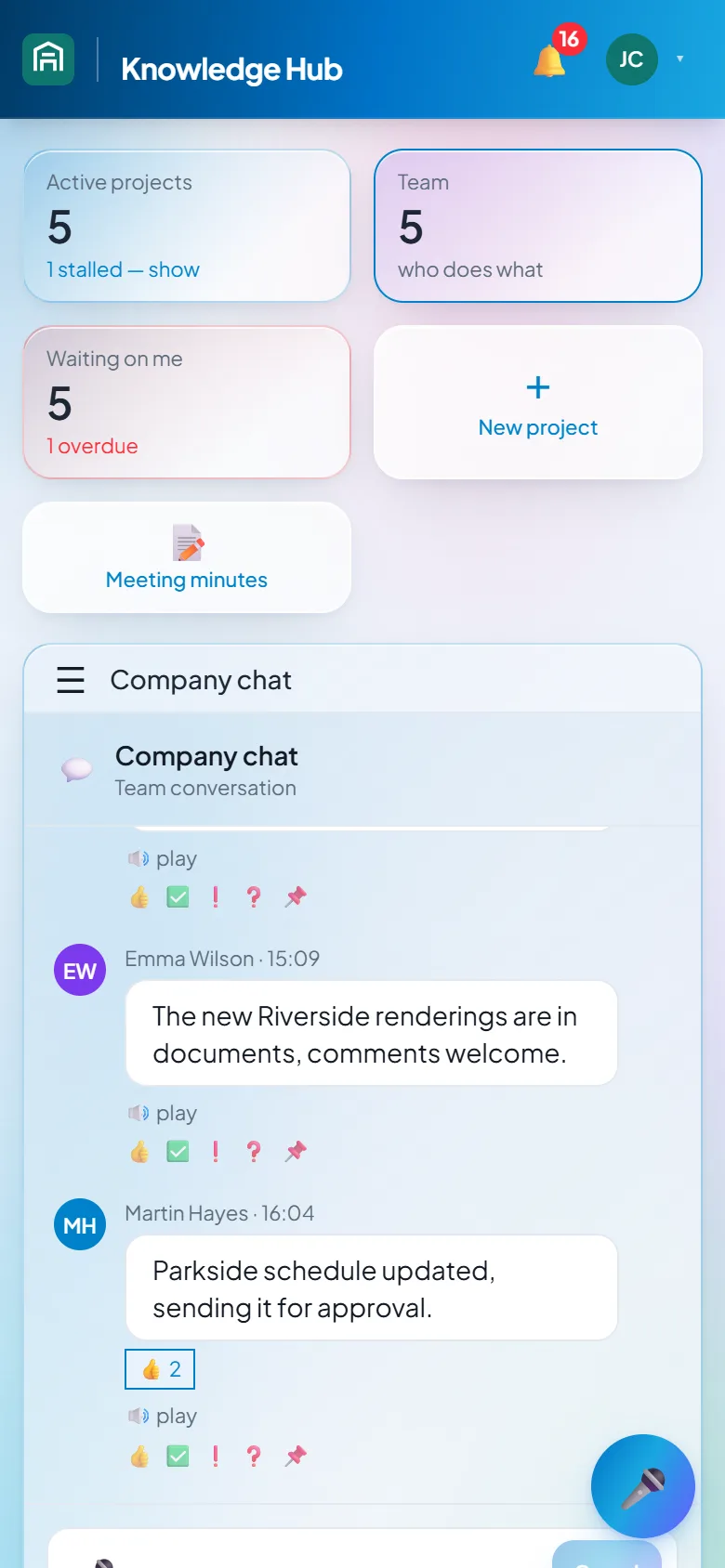
The same dashboard on a phone. Sample data, interface translated for this page. 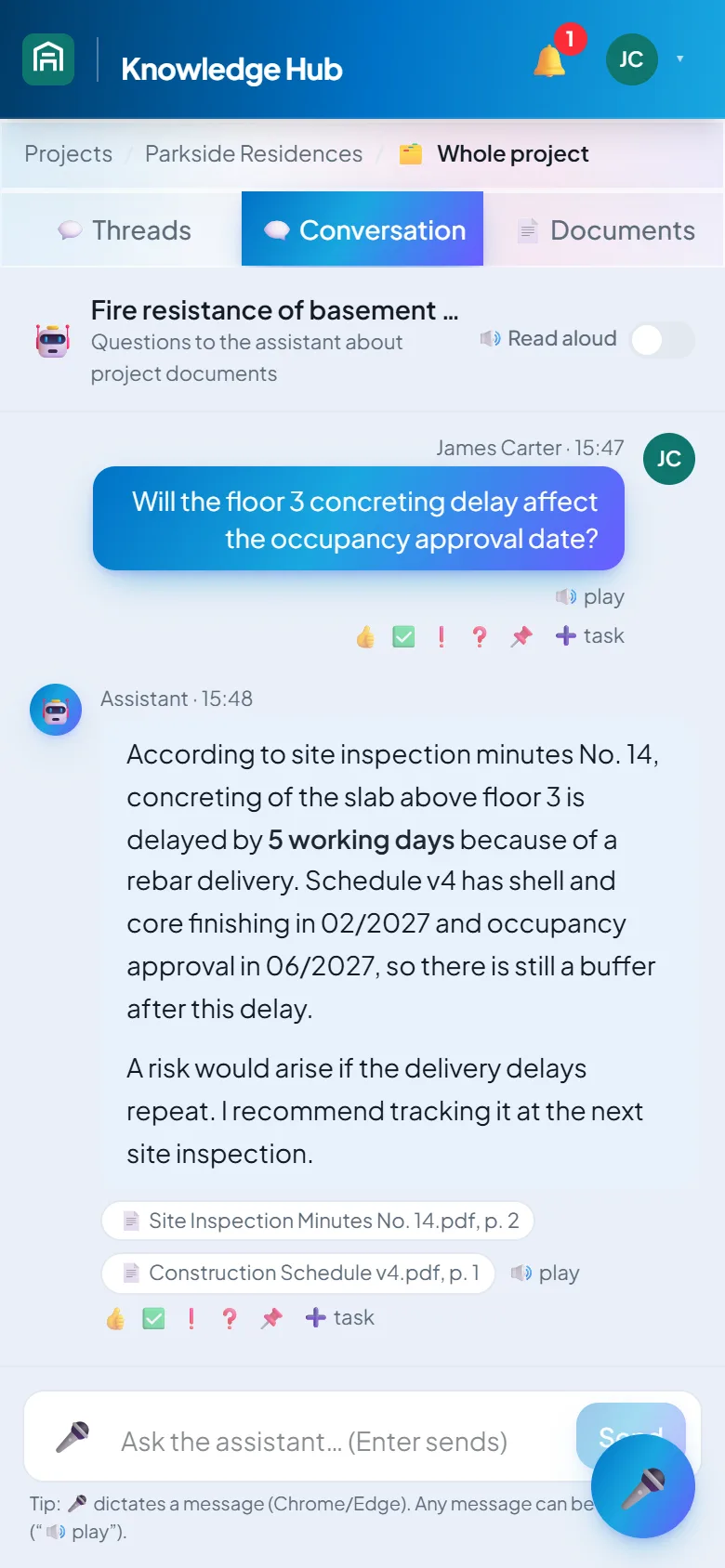
On site from a phone, with the same source links. Sample data, interface translated for this page.
What it does
- Answers over project documents, citing the document and page
- Voice questions, answers read aloud, and a hands-free mode
- Search across all projects and across team conversations
- Document summaries and comparison of two versions
- Split into areas, with access set per person, project and area
- Sensitivity levels: the assistant skips confidential files, and only admins can open secret ones
- Team threads with @mentions and pinned messages
- Tasks and approvals from a message, a task board, notifications
- Meeting minutes, project overview, a view across all projects and PDF reports for management
- Antivirus scanning of uploads, a record of who did what, and backups outside the main storage
- Installs on a phone as an app, with notifications
From the project
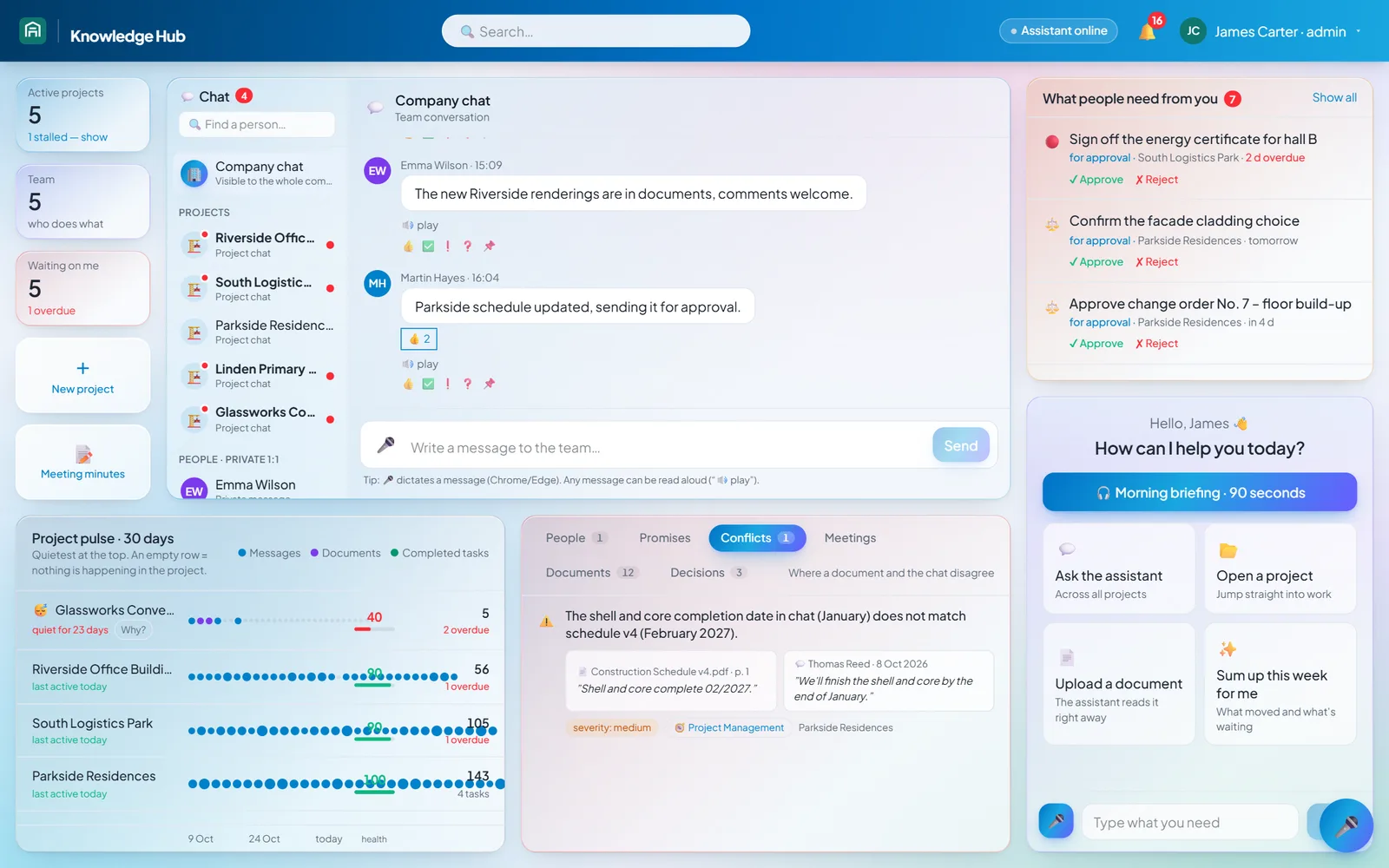
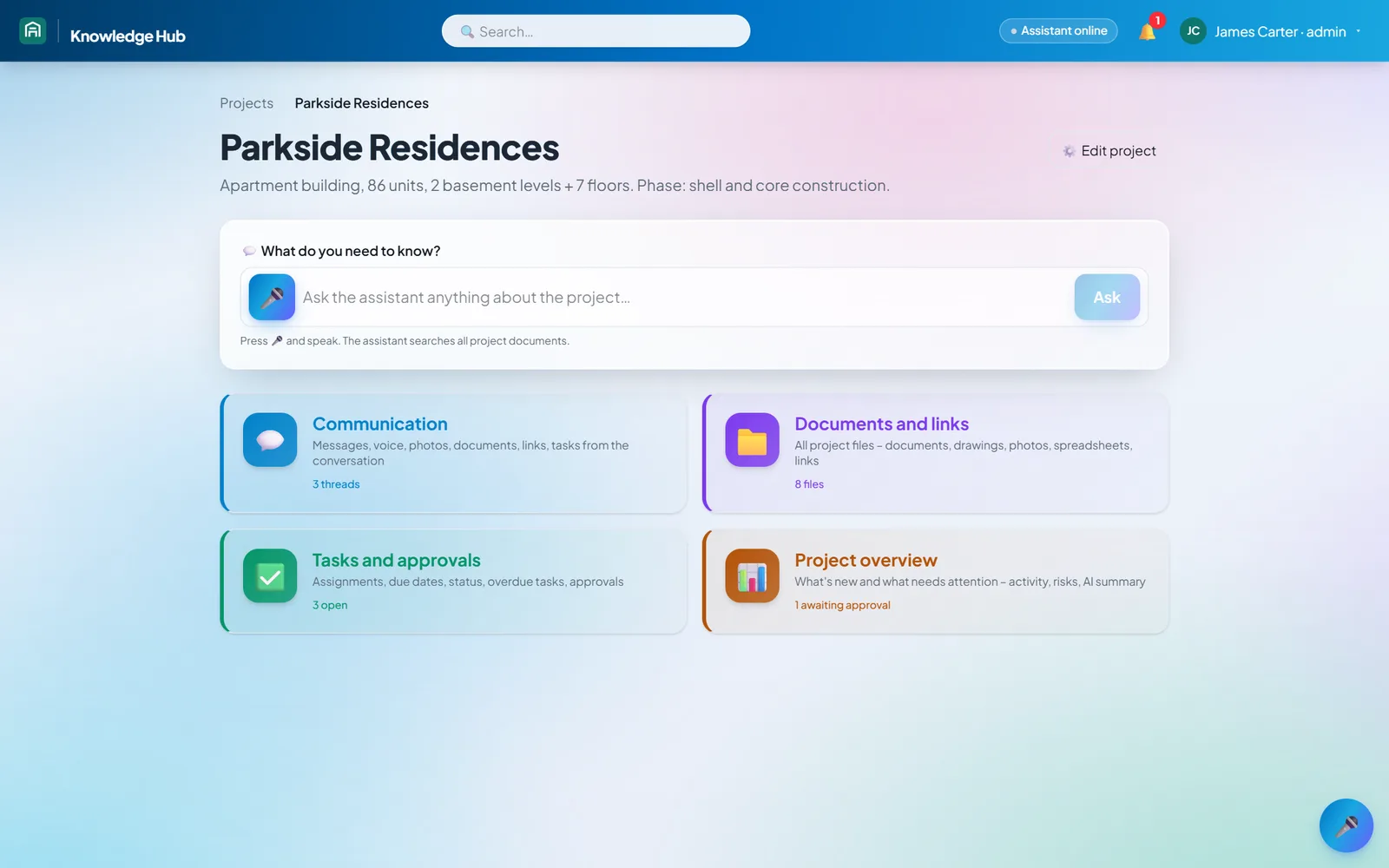
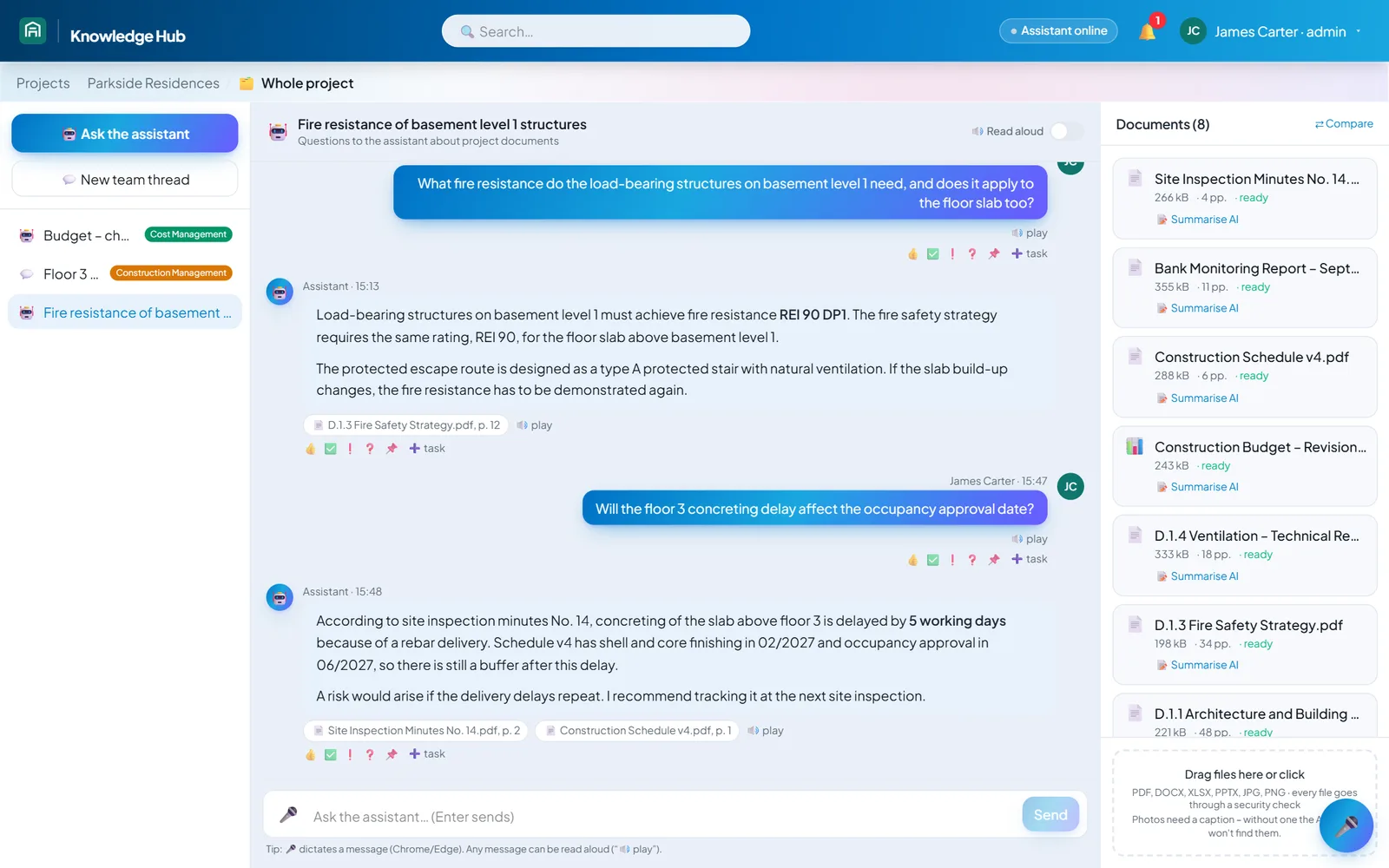
Outcome
The app runs as a closed system at a consultancy in real estate development and construction. Its data and files are stored in the EU, kept apart from anyone else's.
It isn't tied to that industry. Another company gets its own separate setup, its own branding and its own areas, without rewriting the app.
Security was in the brief from the start. People see only what they have rights to, uploaded files open only after an antivirus check, and the client received a written description of where the data lives, who else handles it and how it is backed up.
Contact